That Printer in the Corner
is Overdue for a Conversation
It jams when you’re rushing to a meeting. It goes offline right before a deadline. The toner you just replaced is already showing low. The scan-to-email function stopped working for no apparent reason and nobody has time to figure out why.
If your office printer is a recurring source of frustration, you’re not alone — and the cost is higher than most business owners realize. For a business with 15 to 20 employees, one hour of printer downtime costs between $500 and $1,500 in lost productivity alone. That’s before you factor in the jobs that get sent to an outside vendor, the deadlines that slip, or the client proposal that didn’t look the way it should have.
The printer isn’t just a piece of office equipment. It’s infrastructure. And like any infrastructure, the wrong choice makes itself known every single day.
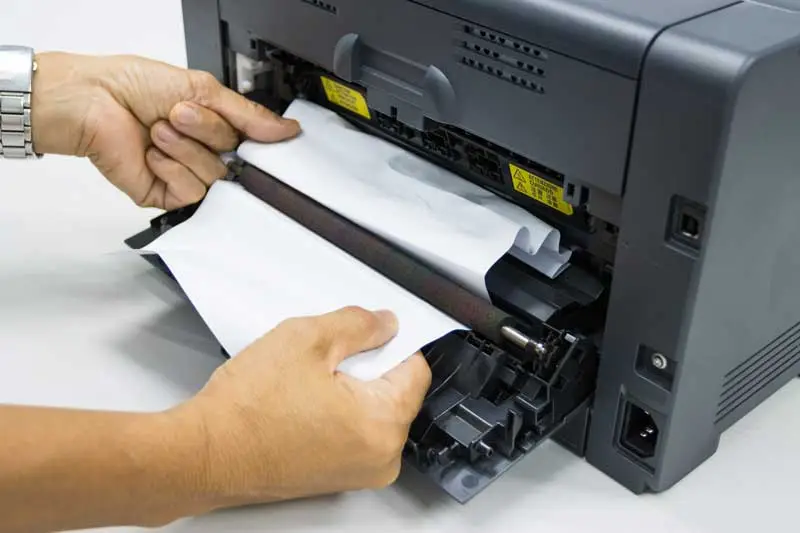
The Printer Jammed AGAIN
Paper jams are the most common printer complaint — and the most preventable. Consumer-grade printers have narrow tolerances for paper weight, tray loading, and humidity. Business-class printers are engineered with higher-capacity trays, more precise feed mechanisms, and better paper handling across a wider range of media types. The jam that cost your team 20 minutes this morning isn’t bad luck. It’s a hardware limitation – worn out rollers, sensor failures, physical path obstructions, component wear, misalignment, and exceeding mechanical load.
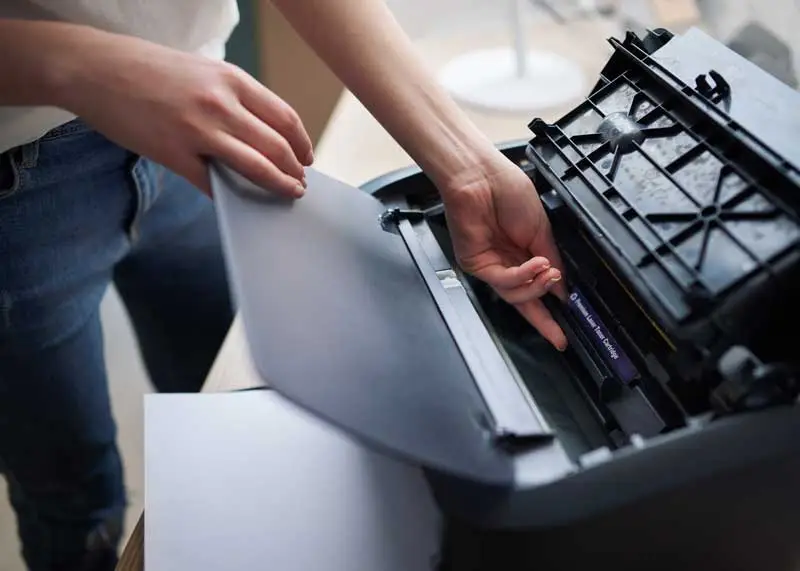
It's Out of Ink AGAIN
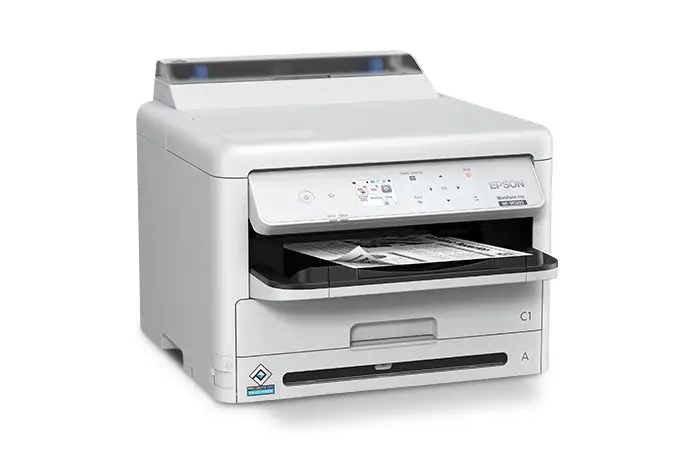
Consumer inkjet printers are notorious for high ink costs and low yields. Some models are designed to flag low ink warnings well before cartridges are actually empty, effectively forcing replacements that weren’t necessary. Last-minute toner orders and inconsistent maintenance inflate print budgets without solving root issues. Business-class laser printers use high-yield toner cartridges rated for thousands of pages, with transparent yield reporting so you’re not guessing what’s left.
The Printer is Offline AGAIN
Connectivity failures are one of the most disruptive printer problems because they’re invisible until the moment someone needs to print. Consumer printers rely on basic Wi-Fi drivers that conflict with network updates, operating system changes, and firmware revisions. Business-class printers connect via Gigabit Ethernet, support enterprise Wi-Fi standards, and maintain stable network presence without requiring constant troubleshooting. When was the last time you had to reboot a commercial-grade printer to get it back online?
Why Does This Look So Bad?
Smudges, streaks, faded text, color that doesn’t match the screen — poor print quality is a symptom of clogged nozzles, low-resolution output, or ink/toner that isn’t calibrated for the job. When what comes off your printer is going in front of a client, quality isn’t optional. Business-class printers produce consistent, sharp output at resolutions that make documents, presentations, and marketing materials look intentional — not like they came off a desktop inkjet.
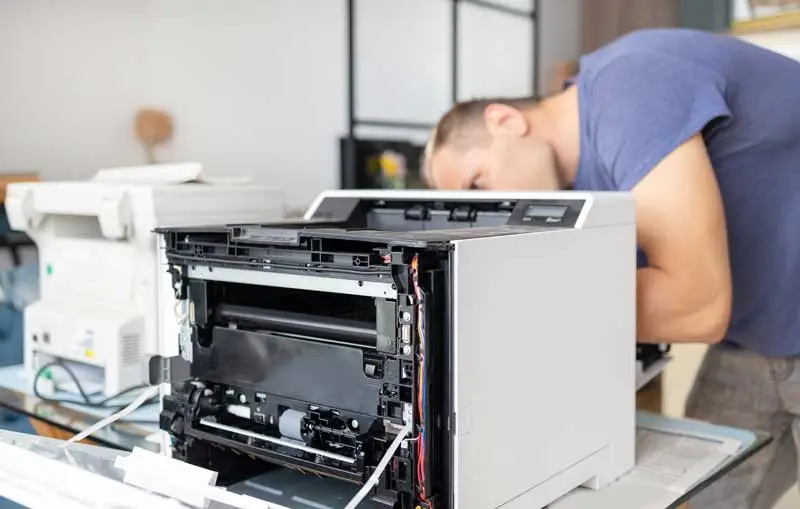
The Printer Stopped Out of Nowhere
Driver issues and software errors are one of the most frustrating printer problems because they require technical troubleshooting most employees aren’t equipped to handle. Business-class printers are designed for straightforward network deployment, universal print driver compatibility, and regular firmware updates that don’t break functionality. Setup takes minutes, not hours — and it stays working.
What the Right Printer Actually Changes
The difference between a consumer-grade printer and a business-class machine isn’t just speed or price. It’s reliability, consistency, and the absence of the daily friction that adds up across your entire team.
When organizations reduce printer downtime, the return shows up quickly — in reclaimed employee productivity, fewer workarounds, and direct financial savings from eliminating last-minute vendor jobs and reactive repairs.
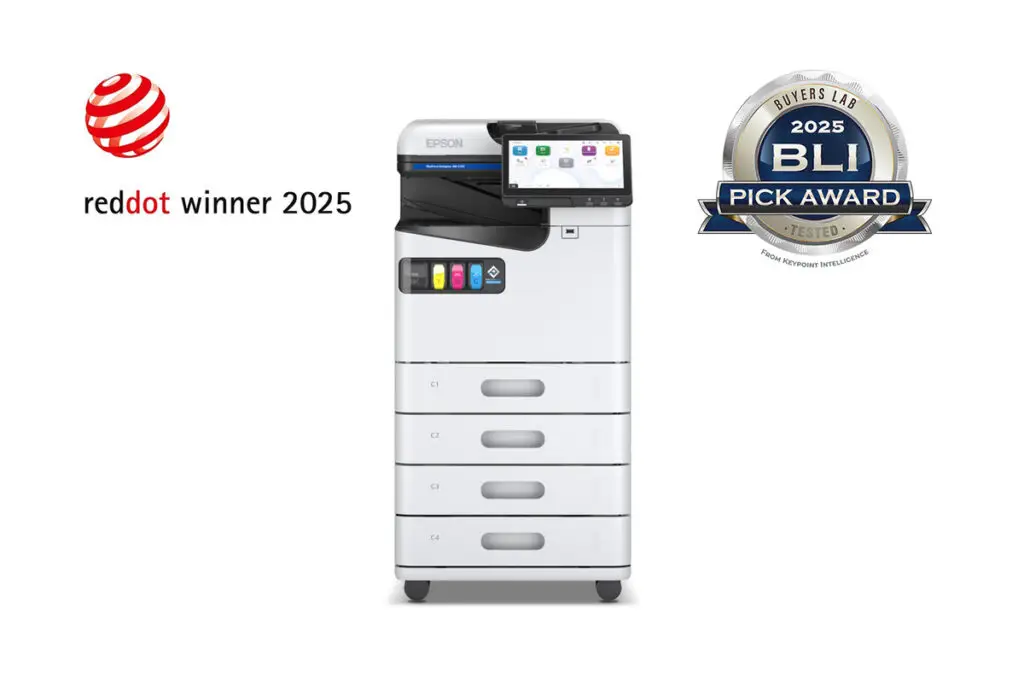
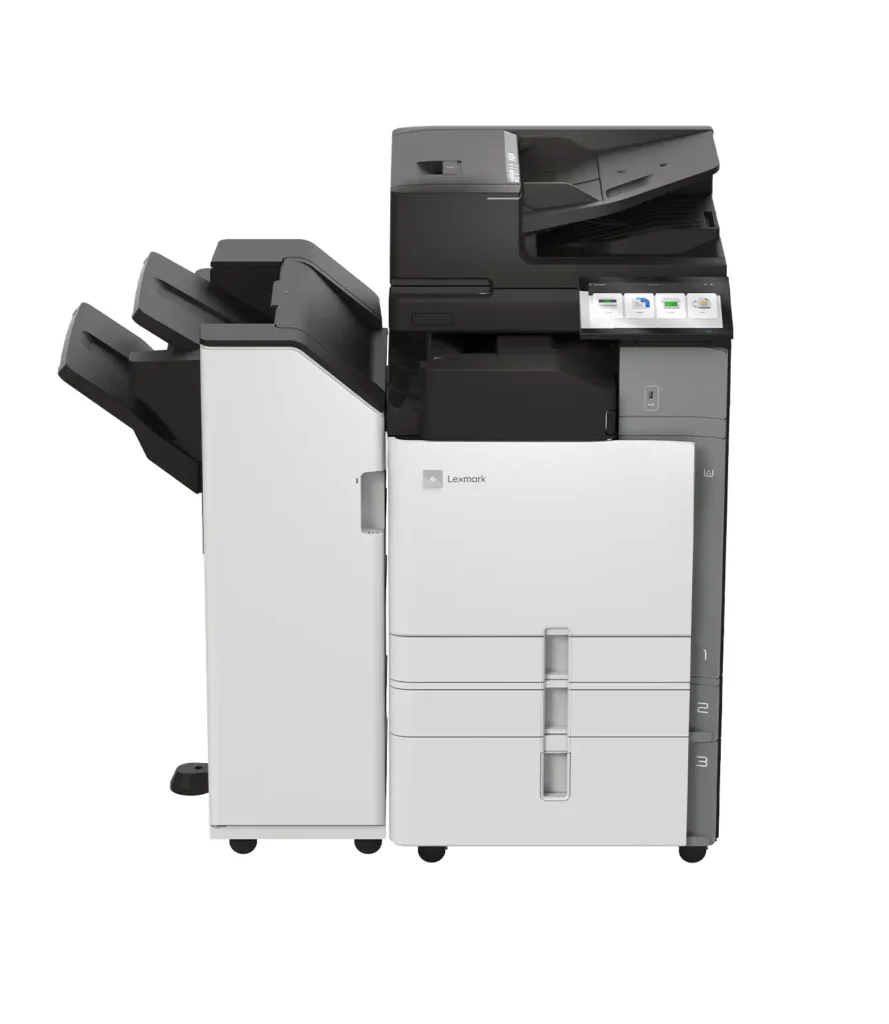
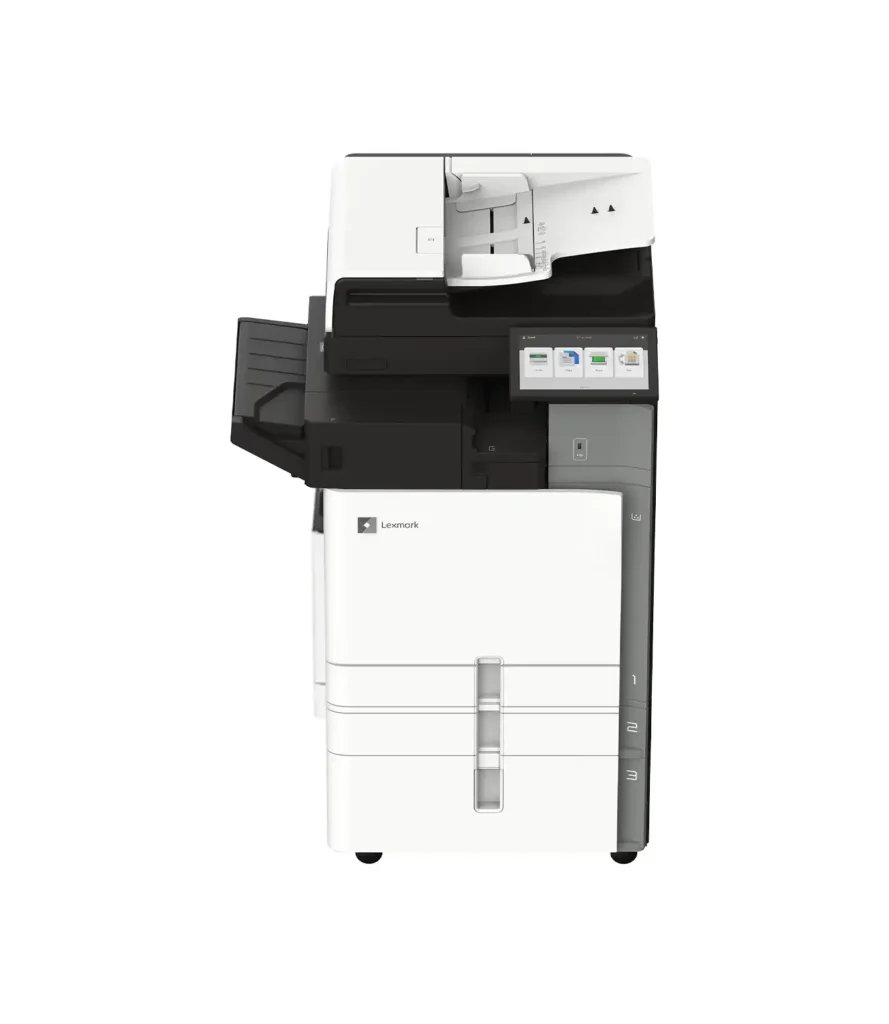
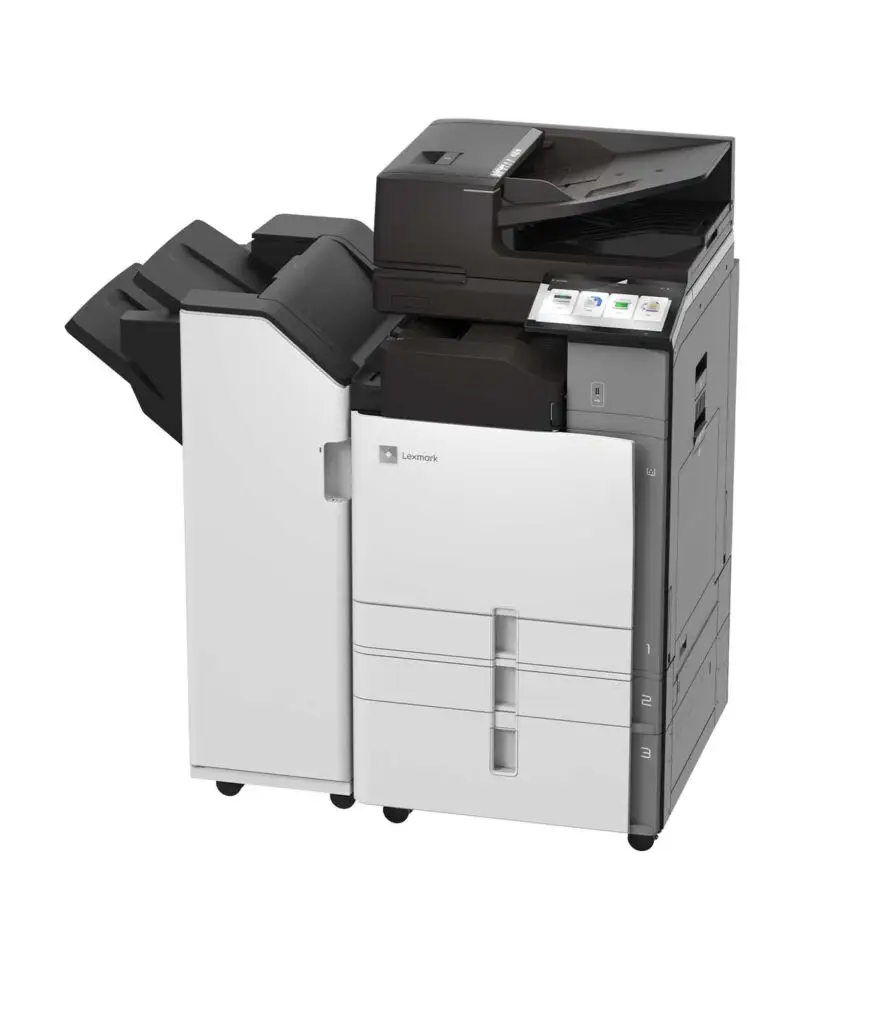
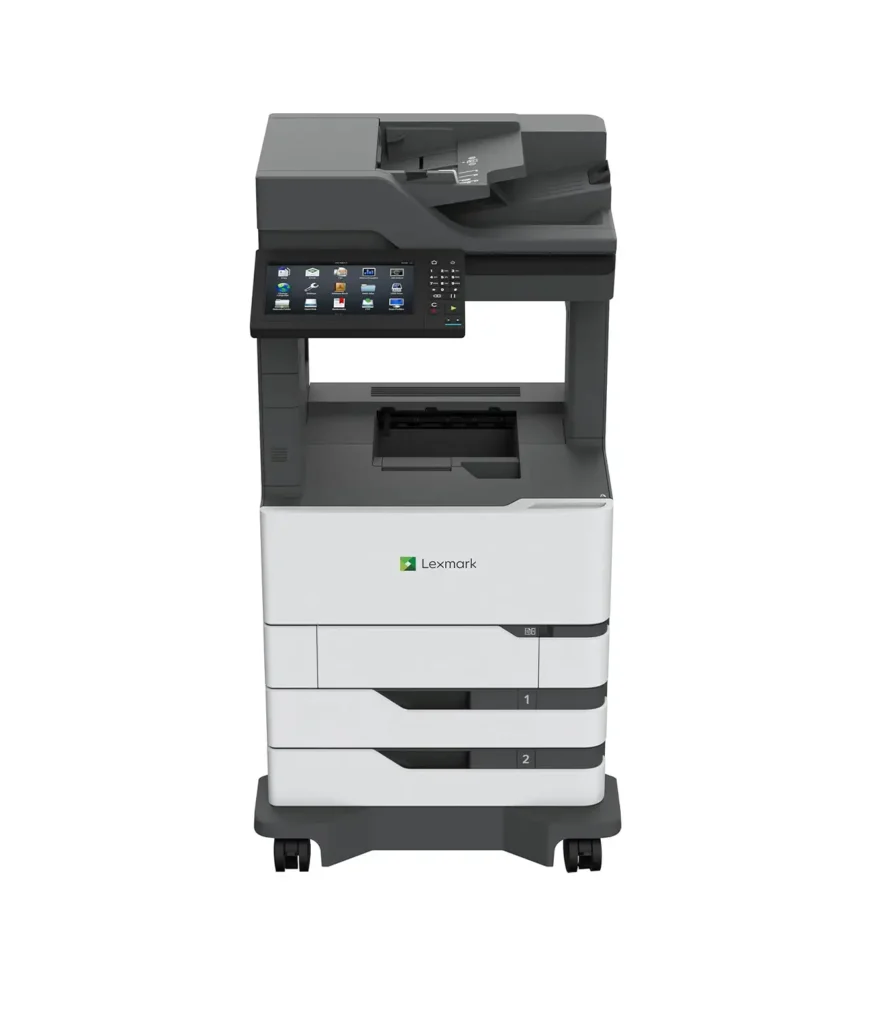
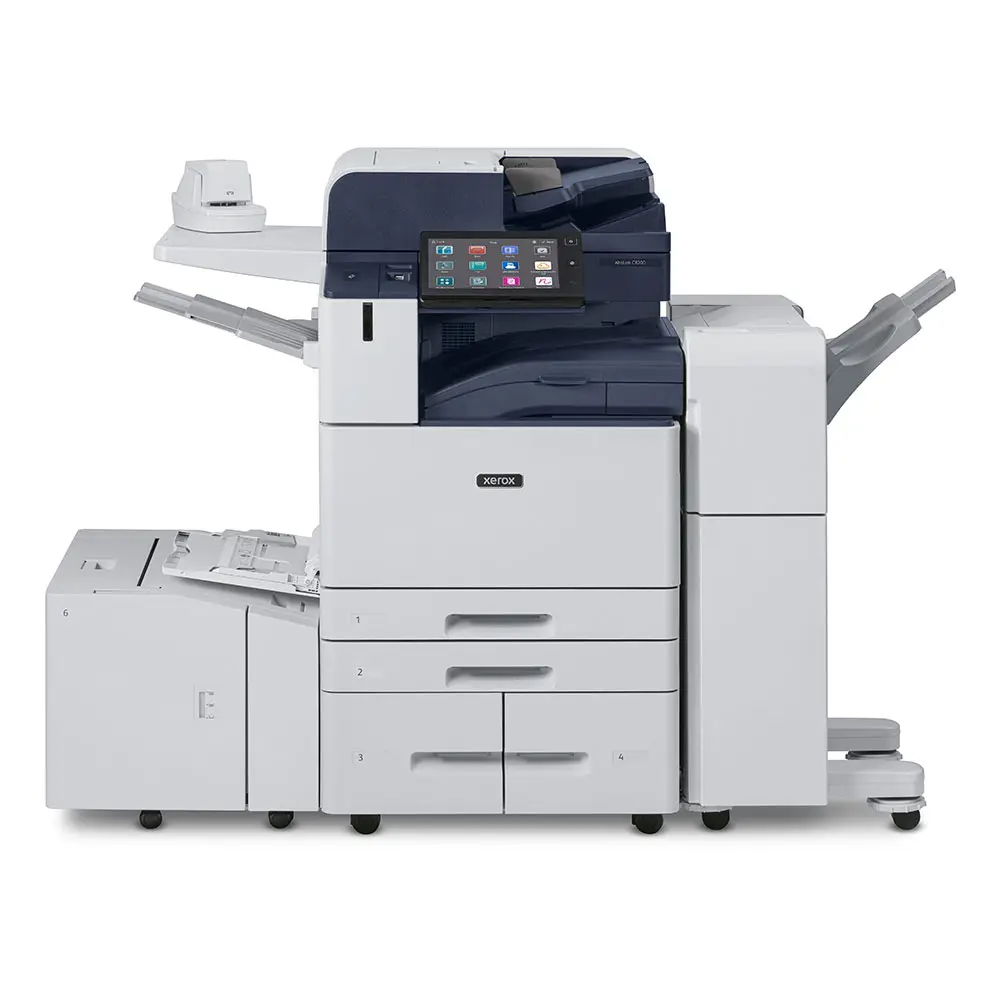
Business-class printers from Xerox and Lexmark are built around the problems above. Higher-capacity paper handling eliminates jams. High-yield toner with transparent reporting eliminates surprise outages. Stable network connectivity eliminates the offline problem. Fast processors and high-resolution output eliminate the quality and speed complaints. And enterprise-grade multifunction reliability means scanning, copying, and duplex printing work the way they’re supposed to — every time
What Businesses Have Found
Most businesses find their actual total print cost is 40 to 60% higher than what they thought they were spending — once you account for downtime, workarounds, outsourced jobs, and the time employees spend managing equipment instead of doing their actual work. The right printer doesn’t just solve a frustration. It removes a recurring drain on your time, your team, and your budget.
Finding the Right Fit
Not every office needs the same machine. The right printer depends on how many people are using it, how many pages you’re printing each month, and what those pages need to accomplish.
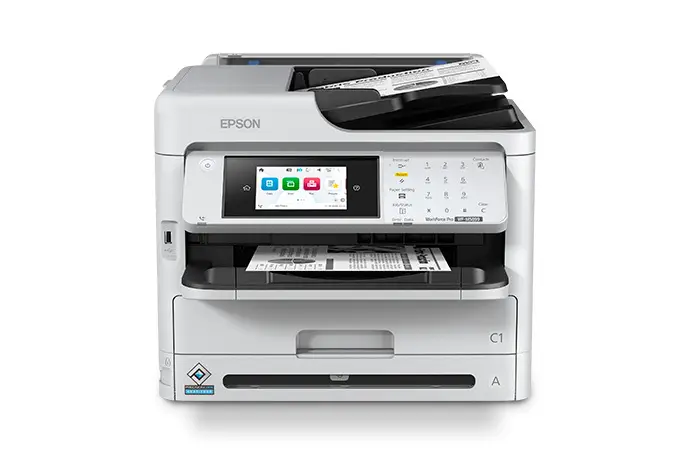
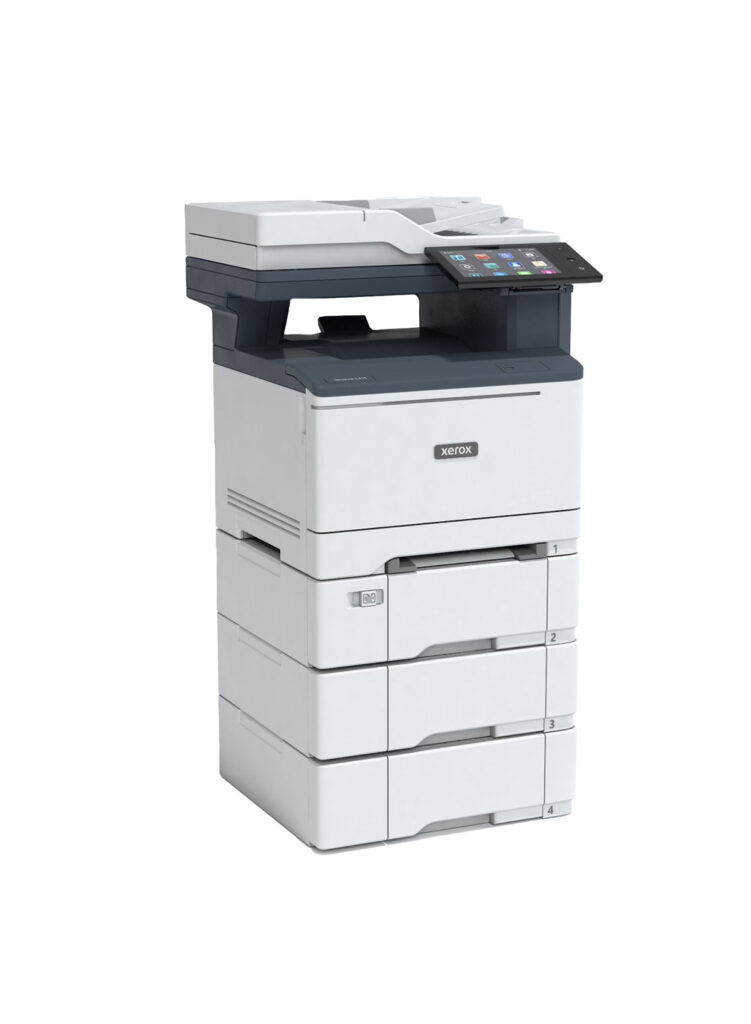
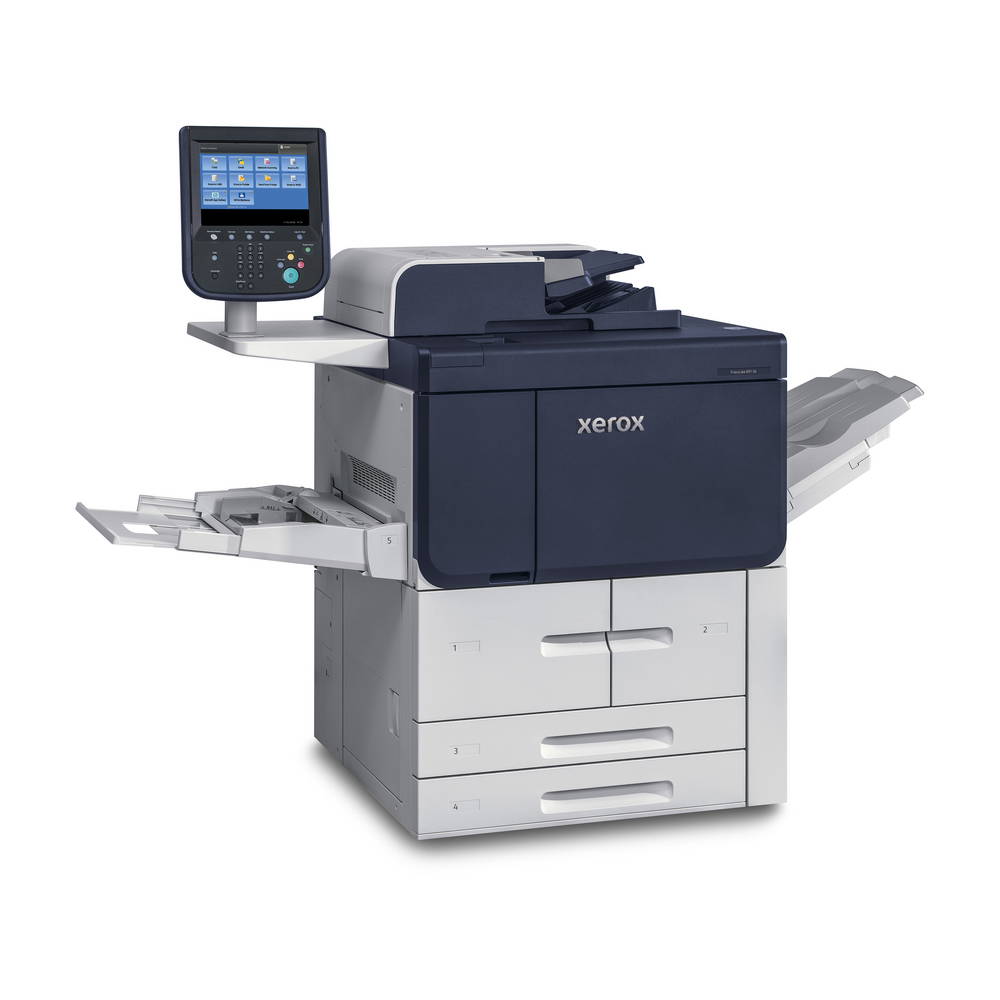
BPI Color carries the full Xerox and Lexmark office printer lineup, with options ranging from compact color MFPs built for small busy teams to high-volume production machines designed for all-day output. We offer sales, leasing, and managed print programs that include local service and support — so you’re not managing the equipment on your own.
If your current setup is causing more problems than it’s solving, that’s worth a conversation.
Ready to Stop Throwing Money at the Wrong Printer?
Xerox and Lexmark business-class printers are built to eliminate the exact problems that make cheap office printers so costly over time. The savings aren’t theoretical. They are 100% realistic and affect businesses every day.
30% off the entire Xerox and Lexmark
Every purchase includes a free supply starter kit to get you running from day one. If leasing makes more sense for your budget, we have flexible options that make upgrading straightforward without a large upfront investment. There’s no trade-in requirement, no complicated process — just better equipment at the right time to buy it.
Say "Goodbye" to
Constant paper jams
Random connectivity failures
Low yield inks and toners
Quality that doesn't hold up
Delays in your workflows due to printer and driver failures
Troubleshooting and service calls
Slower print speeds ranging between 8 to 25ppm
Duty cycles of 1,000 to 5,000 maximum pages per month
Say "Hello" to -
Finishing features like: Stapling, hole punching, folding, offset stacking
Brochure and booklet printing
Faster print speeds averaging 40+ppm all the way to 100ppm
Reliable hardware
Fewer service calls
Higher productivity levels
Duty cycles of ranging from 2,500 to high volume production of 800,000 maximum pages per month
Our promotion includes a starter kit that includes toner and one ream of paper. We accept trade-ins and will pick up and dispose of your current office printer (saving you time and money for e-waste disposal costs). Our service team will perform any service during the warranty term.